Find Similar Products
Find the thing you meant. Then find it cheaper.
Overview
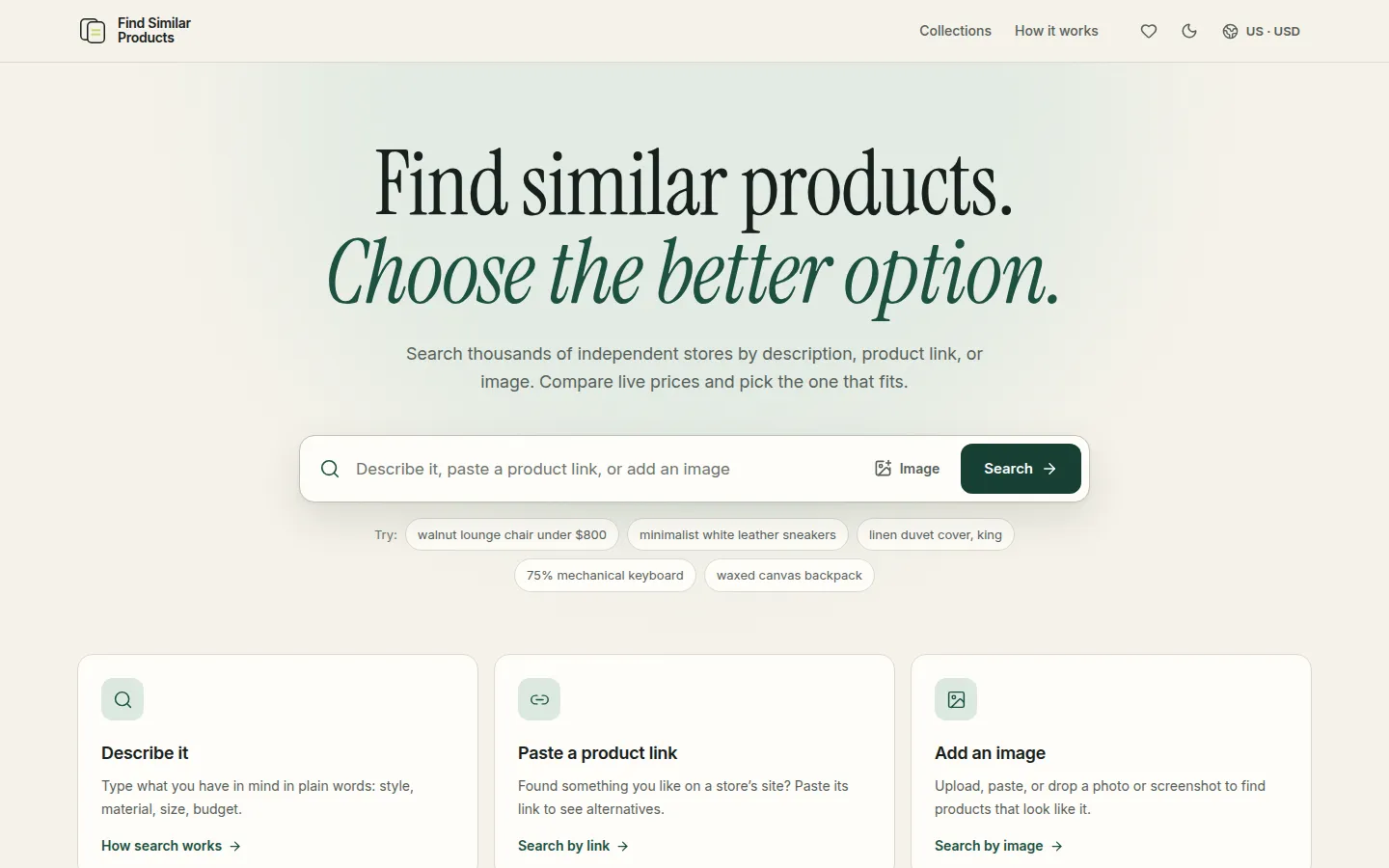
Find Similar Products is a search engine for things you want to buy. You can start with words ("walnut lounge chair under $800"), with a link to a product you found somewhere, or with a photo or screenshot.
It looks across independent stores for products that match, then lets you compare them properly: live prices, stock, variants, ratings, and where they ship. There is a free Chrome extension that does the same thing in a side panel, right beside the product page you are already looking at.
Problem and idea
The problem
You find a lamp you like, but it is too expensive, out of stock, or does not ship to you. Finding something close to it means guessing keywords across dozens of tabs. Image search finds pictures, not products you can actually buy.
The idea
Let people search the way they think: by describing it, by pointing at it, or by showing it. Then make deciding easy, with side-by-side comparisons, filters that matter, and a shortlist that remembers prices. The site never sells anything itself; you always buy from the store.
My role
I design, build and maintain it: the product decisions, the interface, the frontend and backend, releases, and the support inbox afterwards.
Features
- 01
Three ways to search
Natural-language descriptions, product links, and uploaded images or screenshots. Text and image can be combined to say "like this, but…".
- 02
Ranked by similarity
With a product link, that product becomes the reference. Switch between closest matches, cheaper options, top-rated and secondhand.
- 03
Compare side by side
Up to four products at once, with current prices, options, availability, sellers and ratings.
- 04
Filters that matter
Price, rating, colour, size, condition and shipping origin.
- 05
Region and currency
Choose a delivery country and a display currency; results only include products that ship there.
- 06
A shortlist without an account
Save products as you go. The shortlist flags price changes.
- 07
Chrome extension
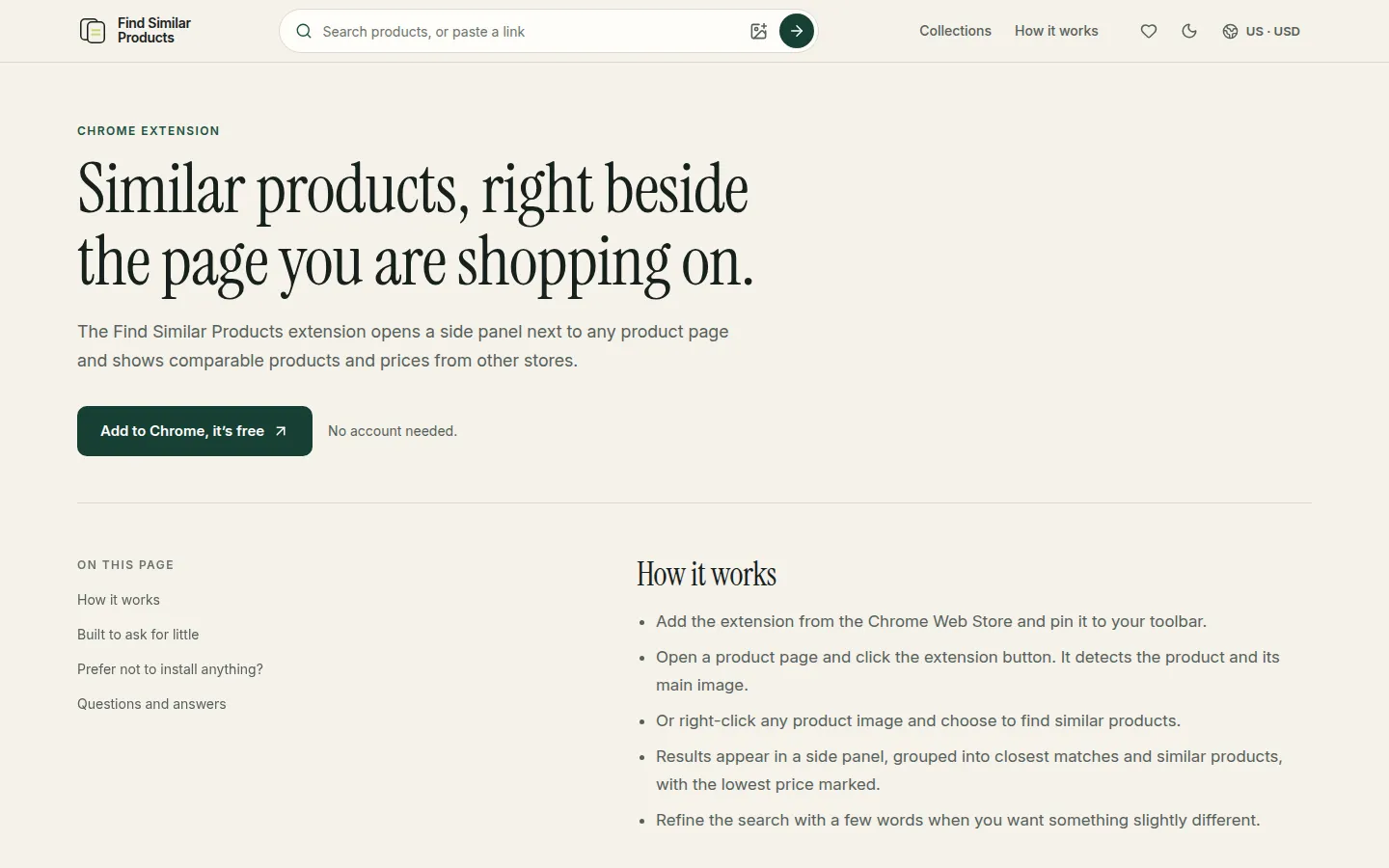
Click the button on a product page, or right-click any product image, and similar products appear in a side panel with the lowest price marked.
Screenshots
Technical notes
- Similarity is more than keywords
- Matching can draw on what a query means, how a product looks, what it is, its category, and the buyer's context, such as where it needs to ship.
- Prices go stale, so check again
- Product details are fetched live when you open them, and the chosen option is rechecked before you leave for the store. If the price, seller or variant has changed, you are asked to confirm.
- An extension that asks for little
- The Chrome extension only reads a page when you click it or use its right-click menu. It has no standing access to the sites you visit and does not track browsing.
- Honest by default
- Prices are labelled as current rather than permanent, the merchant is always the seller of record, and anything paid or commission-earning is marked as sponsored.
Writing about this
Status & links
Find Similar Products is live and actively maintained.